
Notion AI
#AI#Productivity#Writing
Write, summarize, and organize your workspace with AI.
 XXTool.me
I-save ang mga tool, bumoto para sa pinakamahusay, at ibahagi ang iyong mga natuklasan.
Magpatuloy sa GoogleWrite, summarize, and organize your workspace with AI.
No screenshots yetOfficial site Notion AI adds writing, summarization and search to the Notion workspace. It is most useful when your notes, docs and project plans already live in Notion and you want assistance without switching tools.
Turn notes into decisions, action items and owners.
Draft and restructure docs inside the workspace.
Ask questions across connected pages and databases.
Similar tools to Notion AI for different budgets and workflows.
Availability depends on your Notion plan; check the official pricing page.
It can answer questions across connected content, subject to permissions and plan.
COMMUNITY REVIEWS
Real feedback about Notion AI from users.
Be the first to share your experience.
Sign in to write a review, like and save tools.
Sign inslkdjbfskfbsf

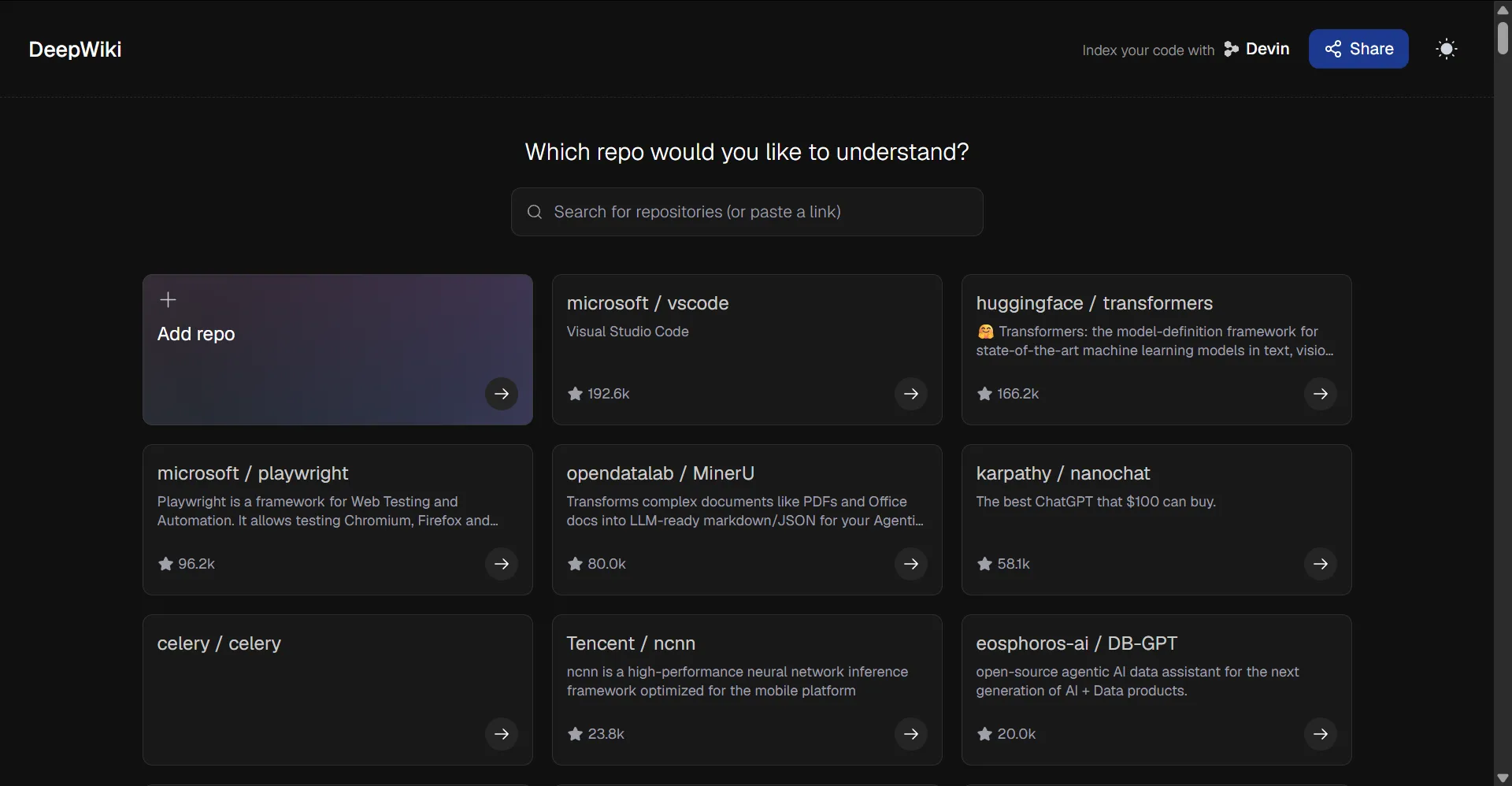
DeepWiki by Cognition Labs (the team behind Devin) turns public GitHub repositories into interactive, wiki-style documentation. Just replace github.com with deepwiki.com in any repo URL to get architecture overviews, dependency diagrams, and a chat assistant that answers questions about the codebase. It’s free and requires no signup for public repos—great for quickly understanding unfamiliar open-source projects.

Communicate clearly and confidently everywhere you write.

Discussion
Questions, feedback and maker discussion about Notion AI.
No discussion yet. Ask the first question.
Sign in to join the discussion.
Sign in